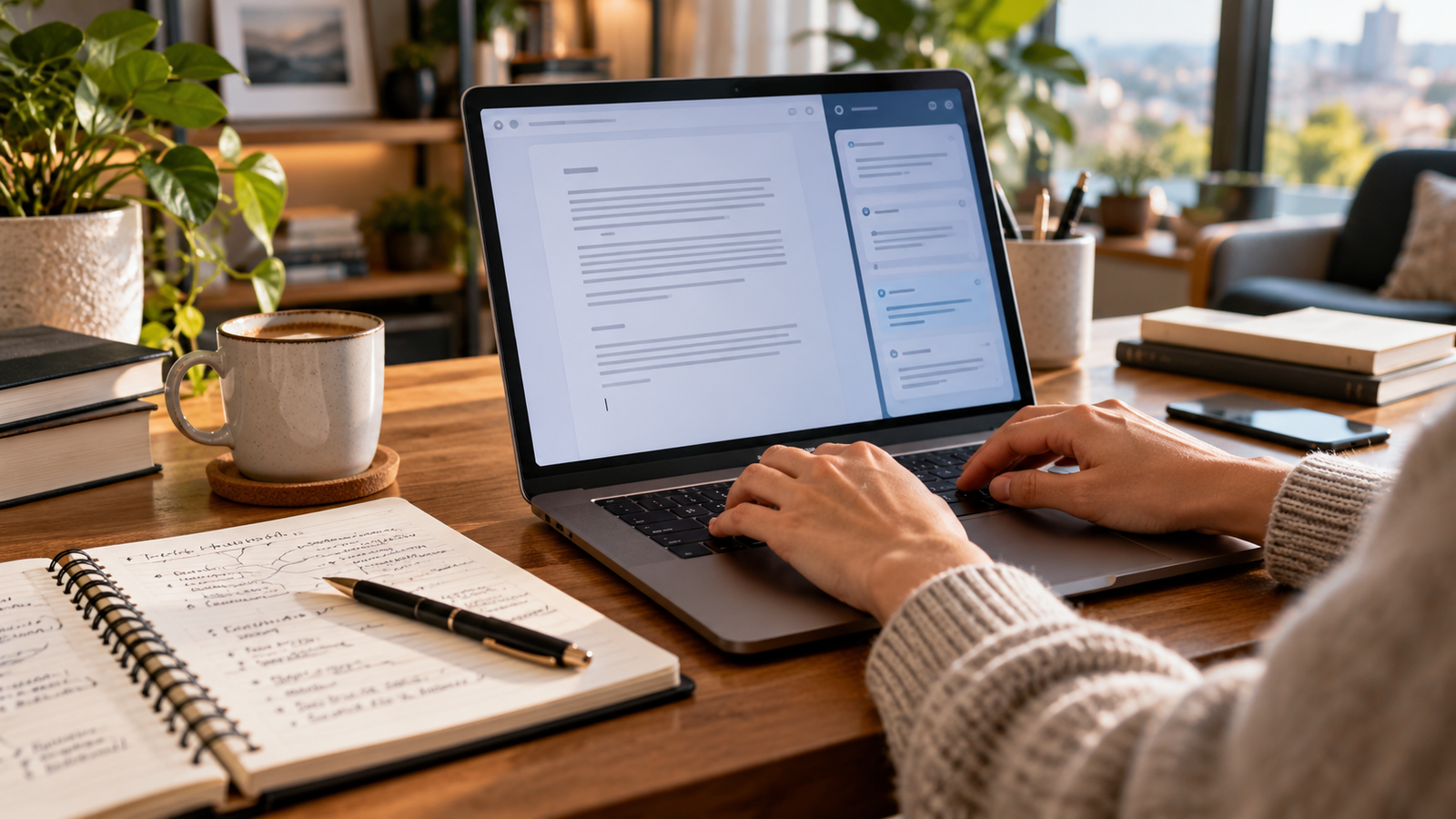
AI for writing can help you plan an outline, draft from notes and improve an existing paragraph. It works best when you provide a clear brief and review the result yourself. Start with one task you understand, such as an email or a short blog section, and check that the final text says what you mean.
The challenge is choosing where assistance is useful. A draft can sound polished while introducing an unsupported claim, changing your tone or missing the reader’s question. A repeatable writing process makes those weaknesses easier to notice.
This guide explains how to choose a writing assistant, use it through the drafting process and review the result. The examples are illustrative writing exercises, not results from a comparative product test.
What does AI for writing actually do?
AI writing assistants generate or revise text in response to instructions. Depending on the product and its features, they can suggest an outline, brainstorm angles, shorten a paragraph, change its tone or turn your notes into a draft.
These tasks require different amounts of judgment. Asking for three clearer headings is easy to assess. Asking for a complete article about an unfamiliar subject is harder because fluent sentences can hide factual mistakes.
Use assistance at a specific stage rather than handing over an entire assignment with no context. You might write the argument yourself and ask for editing suggestions, or provide verified source notes and ask for an outline. In both cases, you remain responsible for the meaning and evidence.
For a broader system connecting research, documents and repeated tasks, see our AI productivity tools and workflows guide.
Which AI writing tool should you choose?
Choose a tool that fits your writing task and the place where you already work. You do not need five subscriptions to improve a short email. Start with an available assistant and evaluate how much correction its output needs.
| Your task | Option to evaluate | What to check |
|---|---|---|
| Brainstorming, outlining and conversational revision | A general chat assistant such as Claude or ChatGPT | Whether it follows your brief and preserves verified details |
| Editing existing prose and generating writing suggestions | Grammarly | Which features are available in your plan and writing environment |
| Drafting or refining email inside Gmail | Gemini in Gmail | Account eligibility, available controls and accuracy of commitments |
| Drafting, rewriting and organizing a Word document | Copilot in Word | Subscription, organization settings and document support |
This is a task-fit table, not a ranking of tested performance. Product features, plans and account access change. Check the official documentation before paying for a feature or describing it as universally available.
Anthropic describes Claude as supporting writing tasks from messages and emails to longer creative work. Grammarly offers generative assistance for drafting and rewriting. Google’s Gmail documentation describes Help me write for email drafts and refinement. Microsoft’s Word documentation covers drafting, rewriting and editing within documents.
Our Claude beginner course and ChatGPT beginner course explain the broader workflow for using these assistants.
How should you evaluate a tool without relying on marketing claims?
Use the same small brief in each tool you are considering. Include five facts, a defined reader, a length preference and one detail that must not change. Save the outputs and compare them against your brief.
Look at factual fidelity, clarity, missing information, tone and the time needed to revise. A tool that produces a more impressive opening may still require more work overall. Repeat the exercise on two or three tasks you actually perform before making a subscription decision.
How do you use AI for writing step by step?
Use a brief, verified notes and a review process. The assistant should know what you want to communicate before it starts drafting.
1. Write the brief before the prompt
Record who the piece is for, the question it answers and what the reader should be able to do afterward. Add the facts that are confirmed and the details still missing.
For a client update, the reader may need to know which deliverable is complete and when they should review it. For a blog post, the reader may need to complete a specific task. These goals lead to different structures.
A useful brief includes:
- Reader: who will read the text and what they already know.
- Purpose: the problem or question the piece addresses.
- Evidence: approved notes, sources and examples.
- Voice: the tone and a short sample of your own writing.
- Constraints: length, required details and claims to avoid.
2. Separate research from drafting
Gather the important facts first. If you ask an assistant to invent the argument and supply all its evidence at once, you may end up checking an entire article sentence by sentence.
Keep a simple source ledger: the claim, its source, the relevant passage and the date checked. Use official documentation for changing software features. A search summary can help you find a source; it is not a substitute for reading that source.
Follow our AI deep research workflow for source-backed blog posts when the piece needs more than a few straightforward references.
3. Ask for an outline that answers the reader’s questions
Request headings before paragraphs. An outline is cheaper to revise and makes missing steps visible.
Create an outline for [reader] answering [question]. Use only the supplied notes. Put the direct answer first, then the steps, examples and limitations. Under each heading, list the evidence needed. Flag gaps instead of filling them with guesses.
Check that each section has a purpose. Remove headings that repeat the introduction or describe a broad topic without answering a useful question.
4. Draft one section at a time
Give the assistant the relevant part of your evidence ledger and the approved outline. Ask it to leave missing information as a visible placeholder.
Draft this section using the approved facts below. Keep the language concrete and explain unfamiliar terms. Do not add statistics, quotations, product features or guarantees. If a necessary fact is missing, write [VERIFY] and explain what is needed.
Review the section before moving on. This prevents an early misunderstanding from spreading through the whole piece.
5. Revise meaning before polishing style
Check the main claim, supporting facts and order of explanation. Then improve sentence length, word choice and repetition.
Ask for suggestions with reasons rather than accepting a complete rewrite automatically. For example: “Identify three sentences that are unclear and explain how you would revise them without changing their meaning.” You can keep the useful suggestions and reject the rest.
6. Run the final review yourself
Read the text as the intended reader. Check whether you can follow every step and whether the promised outcome is actually delivered. Open links, verify names and dates, and remove unresolved placeholders.
A fluent draft is a starting point. Publication requires a finished answer.
What does a useful AI writing brief look like?
Consider this fictional client update. The exercise illustrates a review method; no real email is being sent.
Confirmed facts: the homepage draft is ready; the contact form still needs testing; client feedback is requested by Thursday. There is no confirmed launch date.
Weak instruction: “Write a professional update about the website.”
That prompt leaves the assistant to decide what is complete and what happens next. A possible weak draft might say:
Your website is complete and ready to launch this week. Please approve it as soon as possible.
The wording introduces two errors: the website is not complete, and the launch date is unconfirmed.
Better instruction:
Write a short update to an existing client. State that the homepage draft is ready for review. Explain that the contact form still needs testing. Ask for homepage feedback by Thursday. Do not say the site is complete or give a launch date. Use a friendly, direct tone.
Illustrative edited version:
The homepage draft is ready for your review. We are still testing the contact form. Please share your homepage feedback by Thursday so we can incorporate it into the next revision.
The improvement comes from supplying the missing context and checking the claims. Fancy vocabulary would not have fixed the first version.
For a Gmail-specific workflow, see writing professional emails with Gemini in Gmail.

How can you keep AI-assisted writing in your own voice?
Provide a short sample you have permission to use and identify the features you want to preserve. “Write like me” is less useful than “use short paragraphs, explain terms plainly and avoid exaggerated adjectives.”
Ask the assistant to revise a paragraph without adding new facts. Compare the original and revised versions. If your uncertainty has become certainty, or a suggestion has become a promise, restore the original meaning.
Read the final version aloud. Replace phrases you would never use with a reader or client. Your voice also comes from your judgment, examples and choices about what deserves emphasis.
Do not ask a tool to manufacture personal experience. If you have not tried a product, describe its documented features and label the comparison accordingly.
Should you use AI to write blog posts?
You can use AI to organize notes, develop an outline and edit a draft. A useful blog post still needs an original contribution: a clear explanation, a worked example, a supported comparison or practical experience you can describe honestly.
Changing the wording of existing articles is not a research method. Start with the reader’s problem and build your own explanation from evidence. When discussing software, distinguish documented capabilities from your own observations.
Google’s guidance on generative AI content emphasizes accuracy, quality and relevance. Generating many pages without adding value can violate its scaled-content-abuse policy. Apply the same care to titles, image descriptions and structured data as to the article itself.
Use our on-page SEO checklist when reviewing the finished page. Keywords help define its subject; they should not force unnatural sentences or repeated sections.
What should you check before sharing AI-assisted writing?
Review the facts, meaning and usability in separate passes.
| Review pass | Questions to ask |
|---|---|
| Facts | Are names, dates, amounts, features and references verified? |
| Meaning | Did the draft change uncertainty, commitments or the argument? |
| Reader task | Does it answer the question and explain the next step? |
| Voice | Is it natural, specific and consistent with the sender or publication? |
| Delivery | Are links valid, placeholders removed and mentioned attachments present? |
For sensitive work, check the tool’s current data handling and your organization’s rules before uploading material. Remove unnecessary client details from examples. A fictional brief is usually enough for learning how to write a better prompt.
If your document lives in Microsoft Word, our Copilot in Word guide explains the drafting and review process in that environment.
Frequently asked questions
What is the best AI for writing?
There is no single best option for every writing task. Evaluate tools against your own brief, checking accuracy, revision effort, available features and fit with your workflow. A documented feature comparison and a hands-on quality test are different kinds of evidence.
Can AI improve a paragraph I have already written?
Yes. Ask for clearer wording, shorter sentences or a different tone while preserving the facts and meaning. Compare the revision with your original before accepting it.
Do I need a paid writing tool?
Start with the features available to you and a small task. Consider paying only when a verified feature solves a recurring problem and the time or effort saved justifies the cost. Check current limits rather than assuming every free account has the same access.
Can an AI assistant provide reliable citations?
Treat every reference as something to verify. Open the source and check that it exists and supports the claim. If you cannot verify it, remove the claim or find a suitable source yourself.
Can AI writing help with SEO?
It can help organize a useful answer and edit its presentation. It cannot guarantee rankings, indexing or traffic. The finished page needs to serve its reader, use accurate information and meet technical publishing requirements.
Start with one writing task
Choose a short piece you understand. Write a clear brief, supply confirmed facts and ask for a manageable draft. Check the meaning before polishing the style. Once the process produces reliable work, reuse the brief and review checklist for the next assignment.
Explore the writing guides
- Choose an AI writing tool
- Create better Instagram captions with AI
- Use QuillBot while preserving meaning


