 Ideas for a smarter digital life.
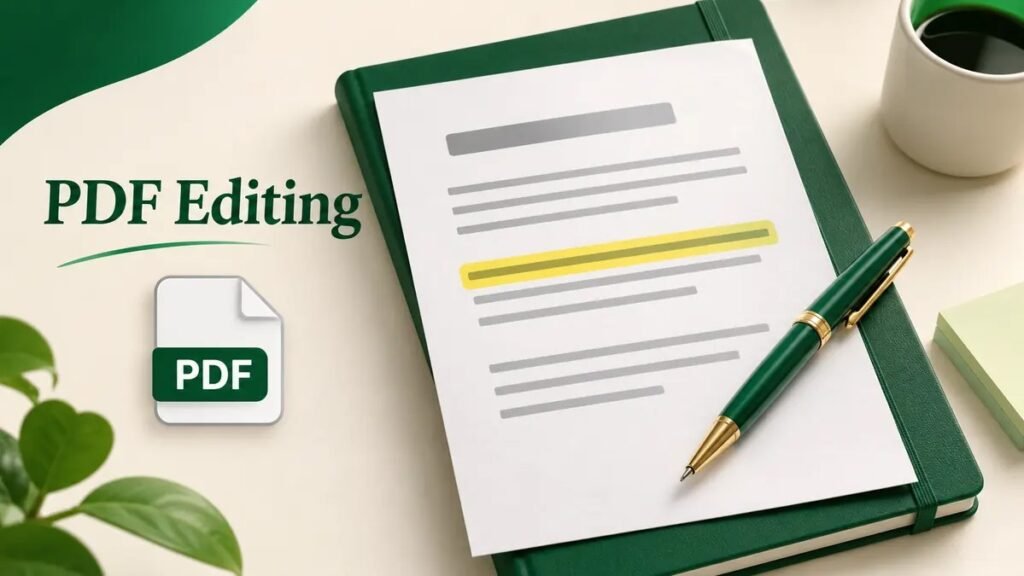
Quick answer. To add a note, highlight a passage, or
fill a blank area, use the markup tools in your PDF viewer. To replace
words already printed on the page, you need an editor that can modify
the existing text. Scanned pages may need optical character recognition
(OCR) first.
Choose the
editing method before you open the file
| Change you need | Method |
|---|---|
| Add a correction for someone else to review | Add a comment or highlight |
| Type into a blank field | Fill the form field or place a text box over it |
| Correct a word already on the page | Edit the original document and export it again, or use a PDF text editor |
| Edit a photographed or scanned page | Run OCR and check the recognized text |
Make a copy before editing. Use a name such as
application-edited.pdf, so you can compare it with the
original later. If the PDF contains a signature, keep the signed
original and confirm what the recipient will accept before changing
it.
Add text or highlight a
PDF on a Mac
- Open a copy of the PDF in Preview.
- Show the Markup Toolbar and select
Text to place a new text box, or use the highlight
control to mark an existing passage. - Move the box into position and check it at normal zoom. Keep added
text inside the page margins. - Save the copy. Reopen it to check that the annotations still
appear.
For a form, try clicking the field first. If you can place the cursor
inside it, fill the field directly. A text box works for an ordinary
blank space, though it may behave differently from a real form field. Apple’s
Preview markup guide
Mark up a PDF on Windows
Open the copy in your PDF viewer and look for drawing, highlighting
or comment controls. If the viewer supports the annotation you need,
mark one page and save a test copy before editing the rest. Open the
saved file in a second viewer when practical, especially if someone else
needs to see your notes.
For example, if a draft invoice contains the wrong delivery date, add
a comment that says what needs to change. If the invoice itself must
show the corrected date, update the source document or edit the original
text with a PDF editor.
Edit existing words in a PDF
When the original Word or design file is available, correcting it
there usually gives you the most control over fonts and layout. Export a
fresh PDF and compare the changed page with the original.
If the PDF is your only copy, check whether you can select individual
words. For a text-based PDF, try an editor with an Edit
text feature. Free tiers vary, so check that the tool lets you
save the result before spending time on a long edit. For an image-only
page, try extracting
text with OCR. Recheck names, dates and amounts against the
scan.
If you want to rewrite several paragraphs, converting
the PDF to Word may be easier. Compare the resulting layout before
exporting back to PDF. Microsoft’s
guidance on opening PDFs in Word
Check the saved file before
sharing
- Reopen the saved copy and review every changed page.
- Check that text boxes stay inside their intended spaces and form
entries remain visible. - If you need fewer pages, use the guide to removing
or splitting PDF pages. - If you need to remove confidential text, use a proper redaction
feature and verify the result. A black shape placed over text may leave
the text underneath.
Frequently asked questions
Can I edit a PDF without
paying?
Basic markup is available in free viewers such as Preview. Editing
original text depends on the document and software.
Why can’t I select text?
The page may be a scan. OCR can help recognize the words, although
recognition errors still need correction.
Can I fill a PDF
with no interactive fields?
Use a text annotation in the blank area, then reopen the saved copy
to check placement.
Is highlighting
the same as changing PDF text?
Highlighting adds an annotation. The wording on the original page
stays in place.
Should I
upload a confidential PDF to an online editor?
Use an approved local editor when the file needs to stay on your
device or within your organization.