 Ideas for a smarter digital life.
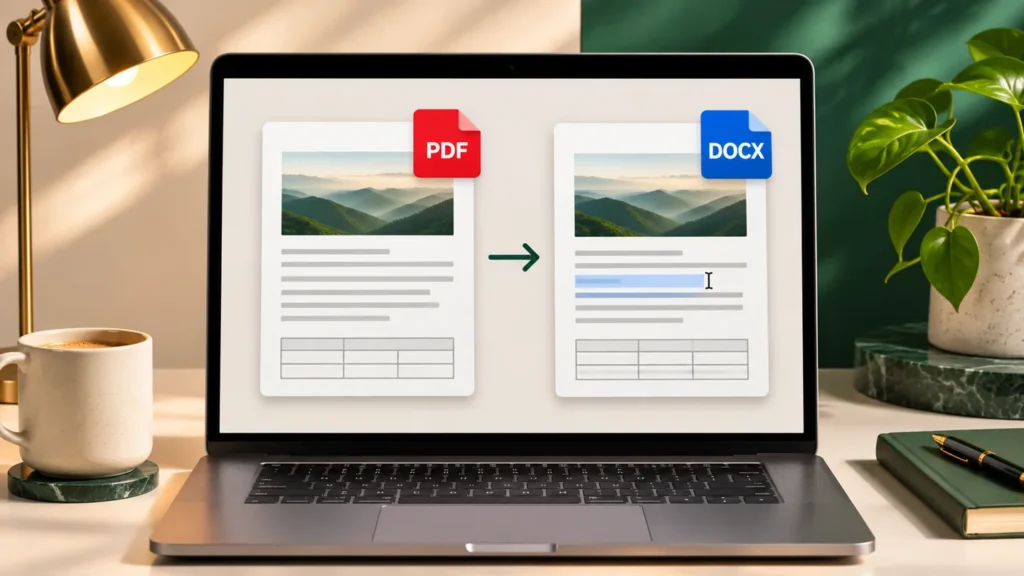
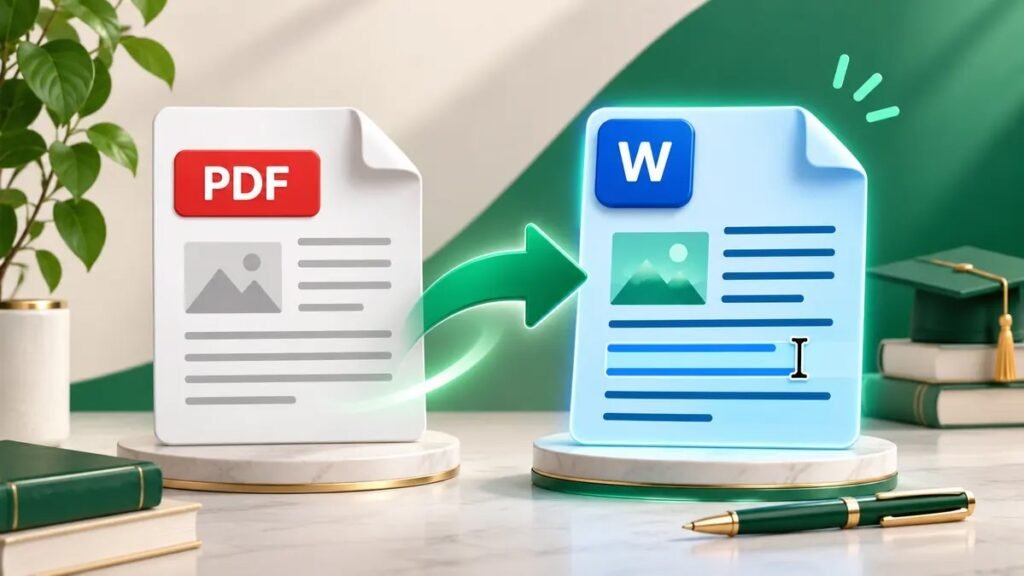
To convert a PDF to Word, open it in Microsoft Word or upload it to a PDF to Word converter, then save or download an editable .docx file. If the PDF contains scanned images of text, use optical character recognition (OCR) first or choose a converter that includes OCR.
Choose the right PDF-to-Word method
| Your PDF or goal | Best starting point | What to check |
|---|---|---|
| Text-heavy PDF with selectable text | Microsoft Word or an online converter | Headings, lists and paragraph order |
| Scanned PDF or photographed pages | Run OCR before exporting to Word | Names, numbers and reading order |
| Tables or multiple columns | Convert a representative sample first | Cell alignment, column order and page breaks |
| Text only from a scan | Extract the text with OCR | Missing lines and recognition errors |
| A picture of each page | Use a PDF to JPG converter | Image quality and resolution |
Try selecting and copying a sentence from a page before you start. If you can copy it into a text editor and it reads correctly, try standard conversion first. If the page behaves like a single image, it may need OCR. Check several pages because a PDF can contain both scanned pages and selectable text.
How to convert a PDF to Word online
- Open an online PDF to Word converter and select PDF to Word.
- Choose the original PDF. If it contains private information, check how the service handles uploaded files.
- Select DOCX where the converter offers a choice. Enable OCR for scans if available.
- Convert and download the file. Open it in Word and type into one paragraph to confirm that the text is editable.
- Compare the output with the original PDF. Keep the original as a reference for formatting, page order and missing content.
If you want to convert a PDF to a Word document for free, check file-size limits, sign-in requirements and whether OCR is included. A free text conversion may be sufficient for a basic report. A scanned packet may require a separate OCR step.
How to open a PDF in Microsoft Word
In supported desktop versions of Word, go to File → Open, select the PDF and accept the conversion prompt. Word creates a converted copy. Choose Save As → Word Document (.docx). Microsoft says this works best with PDFs made up mostly of text. A page with complex graphics may appear as an image, preventing you from editing its words. Microsoft Support on opening PDFs in Word
How to convert a scanned PDF to Word with OCR
OCR recognizes letters and numbers in scanned pages so you can search or edit the recognized text. In a PDF editor with OCR, select the page range and document language, run text recognition, then export to Word if available. Adobe documents both the recognition workflow and a review feature for correcting unclear words. Adobe Acrobat OCR guide · Correct recognized text
For scanned invoices, check amounts, decimal points and invoice numbers against the original. For forms, check names, dates and whether labels still line up with their values. If you only need to copy text from a scanned PDF, follow ThinkQuarry’s Google Drive OCR guide.
What formatting should you check after conversion?
A PDF fixes the appearance of a page. An editable Word file reconstructs paragraphs, tables and other elements so you can change them. The converted version can differ from the source. Microsoft Support on PDF conversion
- Paragraphs and columns. Check reading order and extra paragraph breaks.
- Tables. Compare cells and totals, particularly merged cells and rows split across pages.
- Headings and lists. Check titles, bullets and numbering after adding or deleting text.
- Images and captions. Look for moved graphics, page images replacing editable text, and misplaced captions.
- Page breaks and footers. Check several pages in Print Preview before sharing.
After converting a two-column brochure, copy a paragraph from each column into a blank document. If sentences are mixed across columns, fix the reading order. If you simply want to share the appearance of a page, ThinkQuarry’s PDF to JPG Converter can export pages as images.
Frequently asked questions
Can you convert a PDF to a Word document?
Yes. Use an online PDF to Word converter or open the PDF in a supported desktop version of Word. Save it as a .docx file and confirm that the text is editable.
Can I convert a PDF to Word for free?
Yes, some online tools offer free conversion. Check usage and file-size limits, and verify whether OCR is included if your PDF is scanned.
Why can’t I edit the text in the converted Word file?
The converter may have imported the page as an image. If the source is a scan, run OCR and export again, then check the recognized text.
Is DOCX the same as DOC?
Both are Word document formats. DOCX is the usual choice for current Word workflows. Use legacy DOC if an older system specifically requires it.
Can I convert PDF to Word without losing formatting?
Simple text documents usually convert more cleanly. Check complex tables, columns and graphics manually. Use the original PDF when you need an exact visual reference.